Shopping Bag
Your bag is empty — browse and find something you like?

Your bag is empty — browse and find something you like?
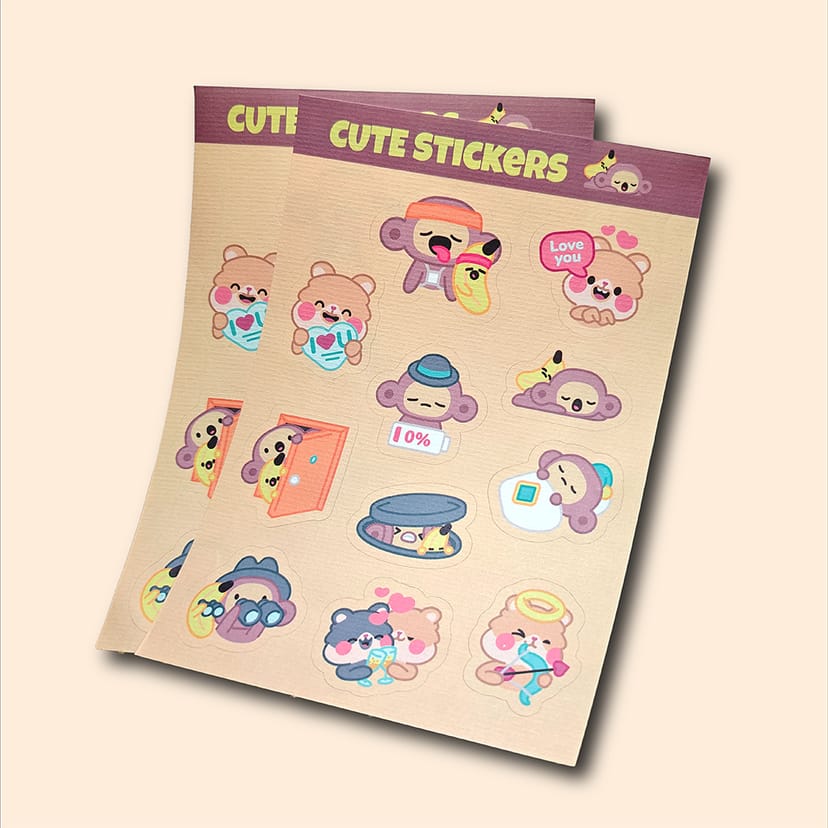
Discover Printing Banana's sticker sheets: enjoy multiple designs on one sheet even with a small print run. Flexible options to bring your creative ideas to life!
Want to print a whole collection of characters, logos, short phrases and QR codes in one go? A "sticker sheet" puts them all on a single sheet—the backing sheet stays intact, while each design is kiss-cut so you can peel and use it straight away. Perfect for small branded gifts, event giveaways, turning WhatsApp stickers into physical stickers and fan merchandise.
For "vibrant colours, easy giveaways and versatile use", choose this—the most versatile option.
If ultra-vibrant colour is not the priority and you prefer a natural, vintage, handcrafted look, the finished product will have lasting appeal.
For something instantly memorable, choose a special-effect material; for clearer results on clear stickers, we recommend a white ink underprint.
| Material | Look / Feel | Best Suited To... |
|---|---|---|
| Gloss Art Paper Stickers Brightest colours; most versatile |
Rich, high-contrast colours; a reliable choice for branded giveaways and small event gifts. | Brand stickers, promotional stickers, event giveaways and merchandise sets. |
| Uncoated Paper Stickers Paper-like, natural and easy on the eye |
The softer texture works well with illustrations, handwriting and contemporary artisanal styles. | Handcrafted styles, labels and minimalist sticker sheets. |
| Holographic Stickers A "shimmering", eye-catching finish |
The surface displays a rainbow effect under light; even a small area makes a striking impression. | Hero visual elements, limited editions and event photo-op designs. |
| Clear Stickers Clean look on glass / packaging |
The base material is clear; for crisp colours, we recommend a white ink underprint (especially for light-coloured text). | Glass, bottles, package seals and minimalist logo stickers. |
| Conqueror Laid Paper Stickers Textured and premium |
The laid surface adds depth; simple designs bring out the texture best. | Premium merchandise, brand identity stickers and gift-box sets. |
| Kraft Paper Stickers Vintage, natural and handcrafted |
The warm-toned base particularly suits black line art, vintage illustrations and simple lettering. | Cafés / craft brands / market packaging / eco-conscious branding. |
Tip: the best sticker-sheet layouts are not packed edge to edge—leaving a little breathing room creates a cleaner finished product that is easier to peel.
Use CMYK
Create your artwork in CMYK colour mode and at the correct dimensions
Ensure image clarity
All images should look sharp at 100%, at a minimum of 300dpi or above
Create outlines
Convert all text to outlines and embed all images or linked objects
Save your file
We accept PDF, AI and PSD source files; for special finishes we accept AI only
From posters and backdrops to booklets, we do it all! Let our professional design team craft eye-catching print work for you.
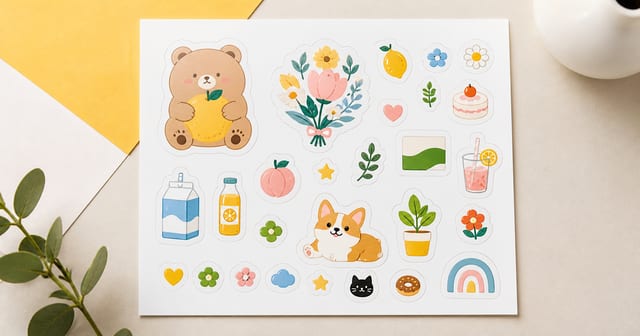
The most common waste on a sticker sheet isn't empty space — it's cramming in too many designs, shrinking them too small, and running the kiss-cut lines against the artwork. Before you lay out an A5 or A4 sheet, plan how many designs to fit, each sticker's purpose and size, the kiss-cut and margin spacing, and which material to print on — so the finished sheet peels cleanly and reads like a complete product.
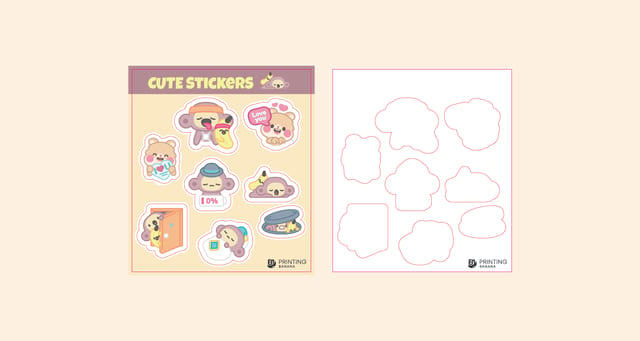
Small-batch printing keeps costs down and lets you keep tweaking your design, so every sticker reflects your style and your brand. This guide covers what to watch for when printing a custom sticker sheet: how die-cut lines decide your layout, six sticker materials to choose from — art paper, writable bond, holographic, transparent, Conqueror laid and kraft — and just how simple the whole print process is.
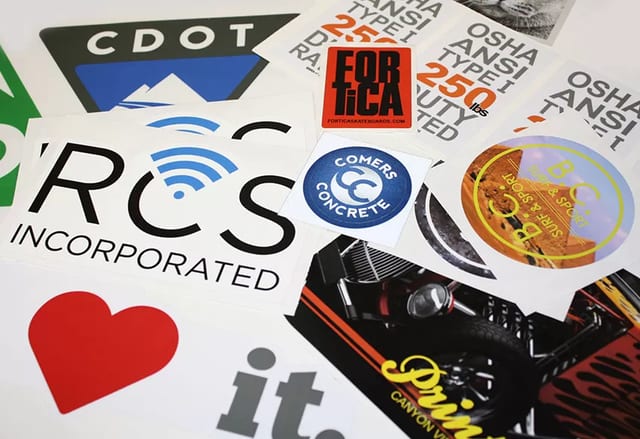
From car vinyl and frosted glass film to clear, UV white-ink, reverse, PP, one-way mesh, floor and cut vinyl, this guide walks through every common sticker type — what each is good at, where it falls short, and where it's typically used — plus a side-by-side comparison with Hong Kong price ranges.
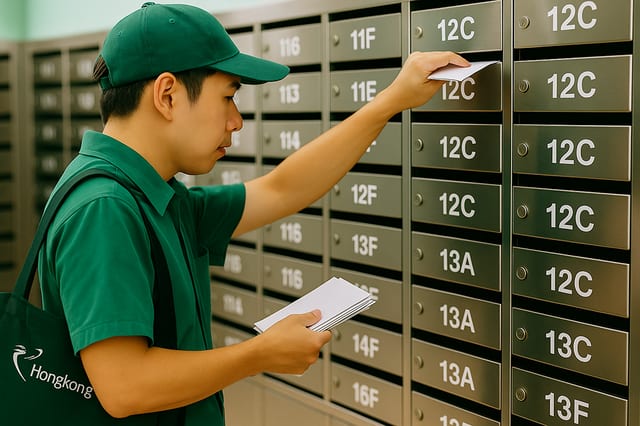
Social ads and email blasts are wearing customers down — 86% now skip web ads entirely. A physical mail piece does the opposite, landing with tactility and a sense of exclusivity. This guide covers why direct mail works in the post-digital era, how print-on-demand enables small, personalised runs, creative design tips, Hong Kong mailing sizes and postage, a real health-brand campaign, a checklist and an FAQ.
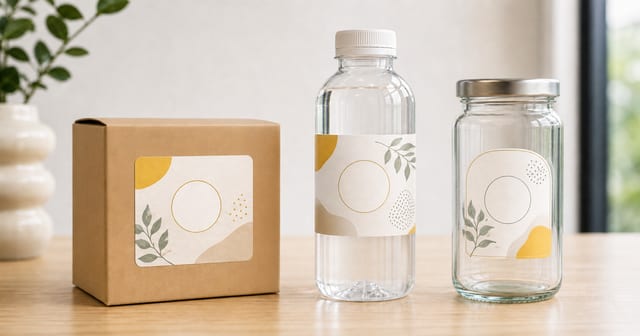
Sticker material should be chosen by packaging surface, usage environment, content size and budget — not by finish alone. This guide helps online shops, food brands and handmade makers think through the key decisions before ordering packaging stickers for paper boxes, plastic bottles and glass jars.
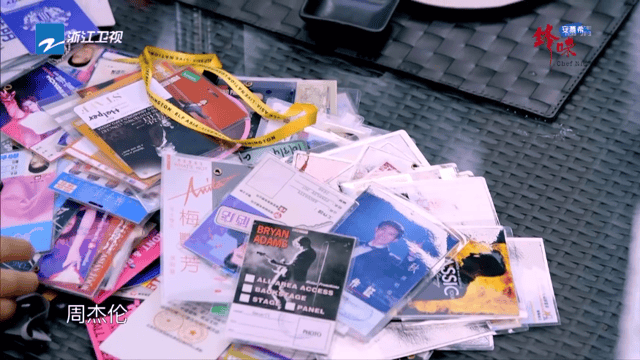
A staff or entry pass identifies your crew on the day and doubles as a keepsake afterwards. We break down the four types Printing Banana prints most, plastic pouch, matte-laminated card, laminated glossy paper and PVC, rating each on looks, rigidity, price and lead time, then name the one worth ordering.