Shopping Bag
Your bag is empty — browse and find something you like?

Your bag is empty — browse and find something you like?

You may have an old name card, a JPG/PNG supplied by a client, or just a photo — but without the AI source file, you may worry about misalignment, clipped text or incorrect bleed when it goes to print.
We can recreate the layout to scale, apply standard bleed and safe-area settings, and, where needed, prepare separate black artwork layers for finishes such as hot foil stamping, UV and white ink, creating a genuinely print-ready file.
The most common scenario: you want to keep the same layout, update the phone number, job title or address, and add the correct bleed and safe area.
We'll recreate the layout to scale to avoid blurriness and misalignment, while preparing it to the required print specifications.
This is available as an option. We'll prepare and label separate layers to the finishing requirements, reducing back-and-forth and the risk of errors.
| Item | Description | Notes |
|---|---|---|
| Card dimensions Print standard |
Trim: 90 × 54 mm | Bleed: 96 × 60 mm | Safe area: 84 × 48 mm. | Keep important text and logos inside the safe area to avoid clipping caused by trim tolerances. |
| Artwork content Based on the information you provide |
We'll lay out the logo, text and images you provide and output usable files to the print specifications. | If you need a redesign or substantial layout changes, these will be quoted separately based on the scope of the changes. |
| Number of revisions 3 included |
This service includes three rounds of revisions; any further changes will be charged based on their scope. | We recommend supplying all copy and information together so revisions can be completed faster and more accurately. |
| Delivered files Within 24 hours of final approval |
We'll send the JPG / PDF artwork files within 24 hours of final approval. | If you need layered/source files (for example, a layered AI file), please mention this on WhatsApp in advance. |
Tip: if you only need minor information changes using the existing layout, please send us clear images (or scans) of the front and back of the old card to speed up the artwork process.
Not sure which finish to choose? Tell us your industry and the look you want (understated/premium/stylish) on WhatsApp, and we'll recommend where the finish will look best.
If you do not want to prepare the black artwork yourself, send us your design file (or describe where you want the foil applied). We can prepare it for you, with a separate quotation based on complexity.
If you only have a photo of the old card, photograph it flat and straight on in even lighting, and include the back if possible.
Use CMYK
Create your artwork in CMYK colour mode and at the correct dimensions
Ensure image clarity
All images should look sharp at 100%, at a minimum of 300dpi or above
Create outlines
Convert all text to outlines and embed all images or linked objects
Save your file
We accept PDF, AI and PSD source files; for special finishes we accept AI only
From posters and backdrops to booklets, we do it all! Let our professional design team craft eye-catching print work for you.

Regular customers often ask why we still check files they've printed with us before. The honest answer: even experienced designers make mistakes, and problems creep in while artwork is prepared. Here's a plain-English look at five issues we catch during the file check — RGB vs CMYK, missing bleed, missing fonts and images, low resolution, and finishing setup — and why catching them before the press saves your print.
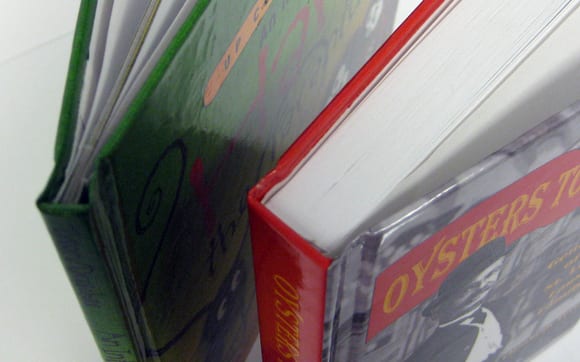
Demand for short-run hardcover books keeps rising — a graduation album, wedding photo book or catalogue printed as a hardcover reads as a keepsake, not a file. This guide compares the three binding methods used for small-batch hardcovers: perfect-bound cases, thread-sewn spines, and butterfly lay-flat mounting.
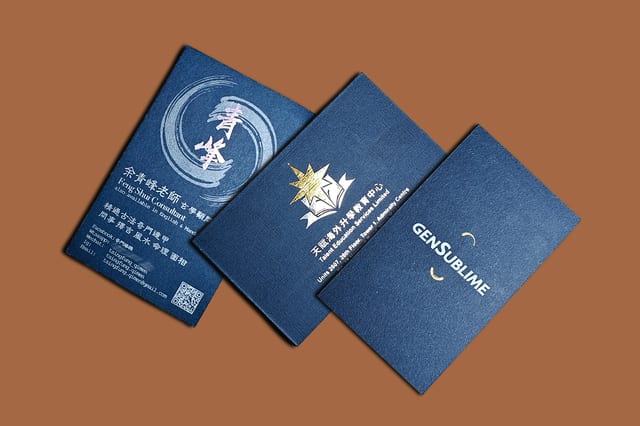
Blue cardstock gives a business card a consistent blue tone and a paper feel that stands out from the crowd. This showcase walks through four finished blue cards — imported stock with silver ink and holographic foil, colored embossing, blue linen with gold and silver foil, and textured Monterey stock — to inspire your own design.
Artwork that looks finished can still hide problems that only surface right before printing. This checklist walks through size, CMYK, DPI, bleed and safety margins, outlined fonts, image links and finishing — plus production-time tips — so you catch issues before you submit your file for printing in Hong Kong.
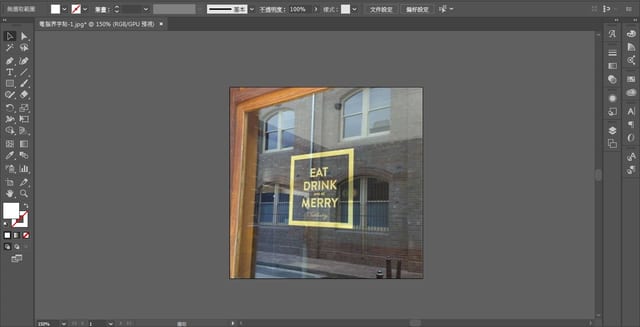
Before you send artwork to print, four things decide whether it comes out clean: CMYK colour, vector vs raster resolution, bleed, and file format. This four-step checklist walks through each one — and Printing Banana proofs every file for free.
