Whether you're a seasoned designer or just starting out, hunting down the right illustrations eats up real time. To save you the effort, we've rounded up six free, high-quality flat-illustration resource sites — Humaaans, DrawKit, unDraw, illustrio, Avataaars and Christmas HQ — along with how to use each one. With these in your toolkit, you'll never run short of illustration assets again.
Humaaans
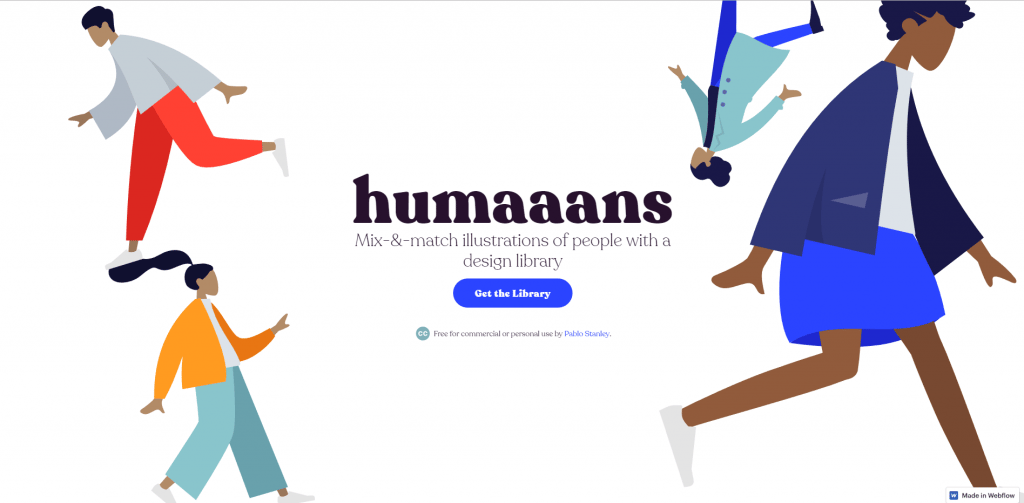
Illustration has become more and more widely used in recent years, and Humaaans was one of the hottest names in the design scene last year. It offers free, commercially usable illustration assets that let you customise a character's pose, hairstyle and clothing. Beyond the free character library, you can freely swap and edit scenes and character styling, then export everything as vector files (.svg) — which makes them a breeze to drop into Adobe Illustrator. For beginners, it's an absolute lifesaver.
Website: https://www.humaaans.com/
How to use it
- Go to https://www.dropbox.com/sh/grfucsjeaxe811s/AAABFGXFyqCNmF5gmijgJzOxa?dl=0
- If you work in Adobe Illustrator, download the .svg illustrations from the Flat Assets folder; if you use Sketch, download the Studio file and add it to your library.
In Sketch you can freely change up the content:

DrawKit
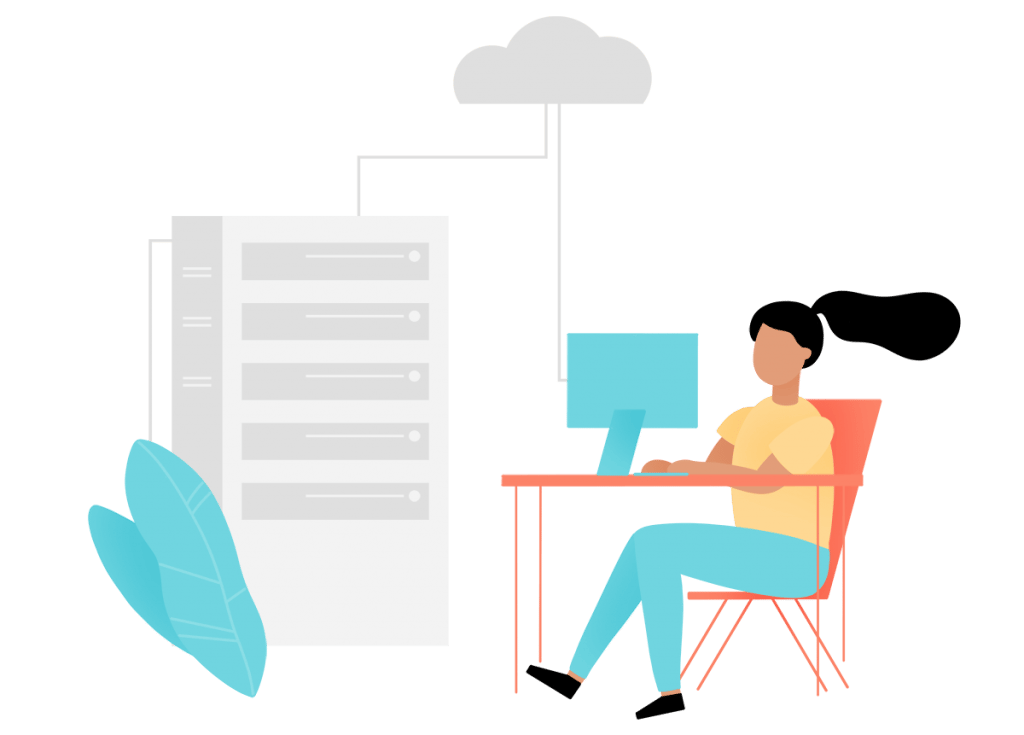
DrawKit is much like Humaaans — it's all flat character illustration. The difference is that DrawKit splits its library into paid and free packs. There are fewer free illustrations than on Humaaans, but the download comes with an extra option: PSD. For anyone who doesn't work in Illustrator, that PSD is a huge help. DrawKit is a one-time purchase, so if you love this style, it's worth grabbing the pack and keeping it on your machine.
Website: https://www.drawkit.io/
How to use it
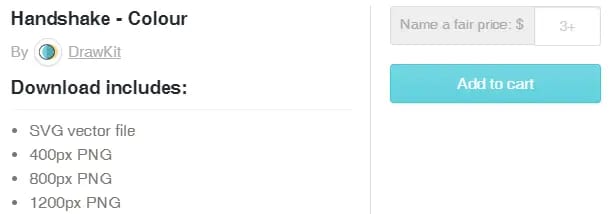
- Pick the illustration you want on the homepage, then click the "SVG + PNG – Free" button.
- Because it's free, DrawKit lets you name your own thank-you amount — and of course you can enter 0 to get it for nothing.
unDraw
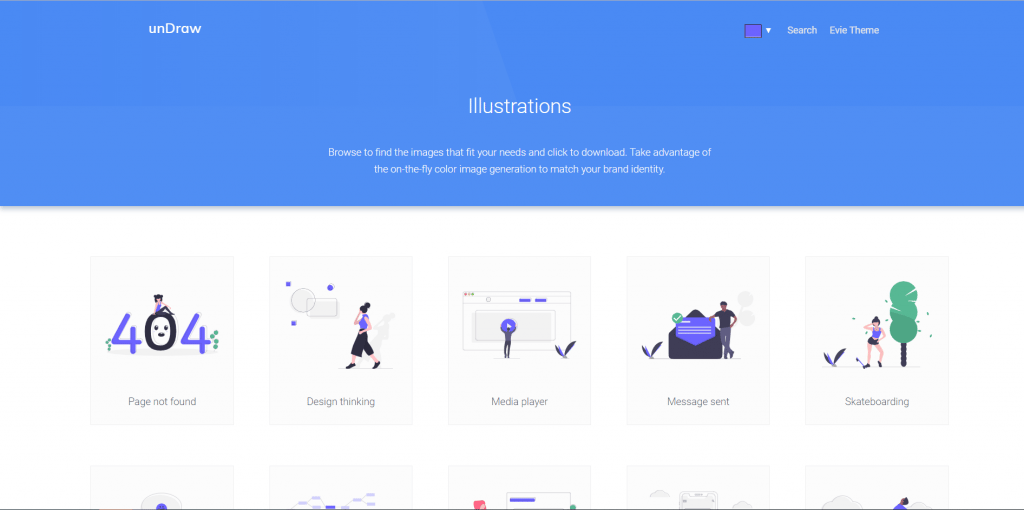
unDraw has a huge collection of free, characterful illustrations, each set in its own scene. For busy designers, these ready-made graphics take a lot off your plate. Most of unDraw's illustrations are built around common website layouts, so if you're designing a UI they're a genuine rescue. unDraw also has one killer feature: you can recolour every illustration with a single click, matching your own primary colour to generate a look that's entirely your own.
Website: https://undraw.co/illustrations
How to use it
- Click the link above and pick your primary colour.

- Then choose the illustration you want and download it. unDraw exports .svg files, ready to use in Illustrator.
illustrio
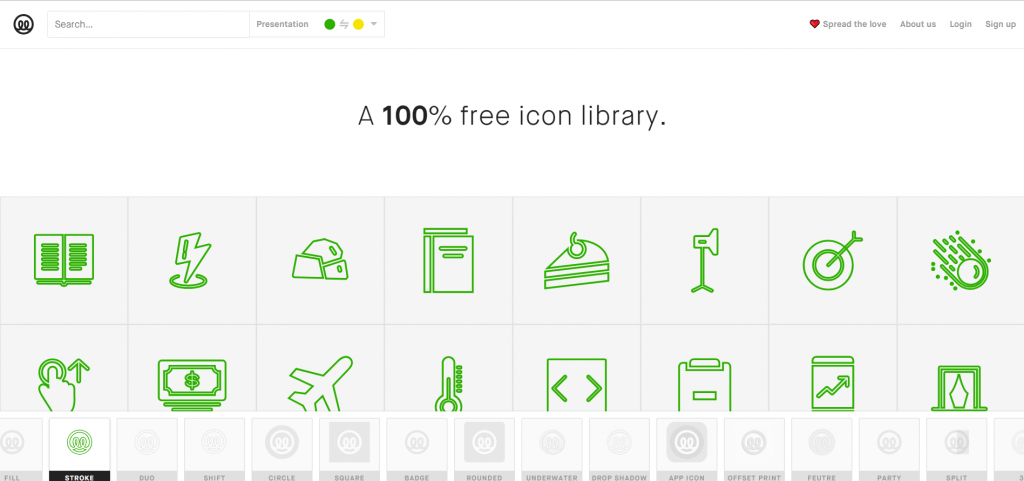
Update: illustrio appears to have shut down since this guide was first published — its domain is now parked and no longer serves the icon tool, so reach for one of the other resources above instead. It used to be a great friend when a design called for icons — hundreds of them, with a colour scheme and style you could tune to match your artwork. For informational pieces like cards and flyers, those icons came in very handy, and all of them shared one consistent style, so you never had to worry about mismatched looks.
Website: https://illustrio.com/
How to use it
- Click the link above, choose your colour scheme at the top and pick an icon style below.
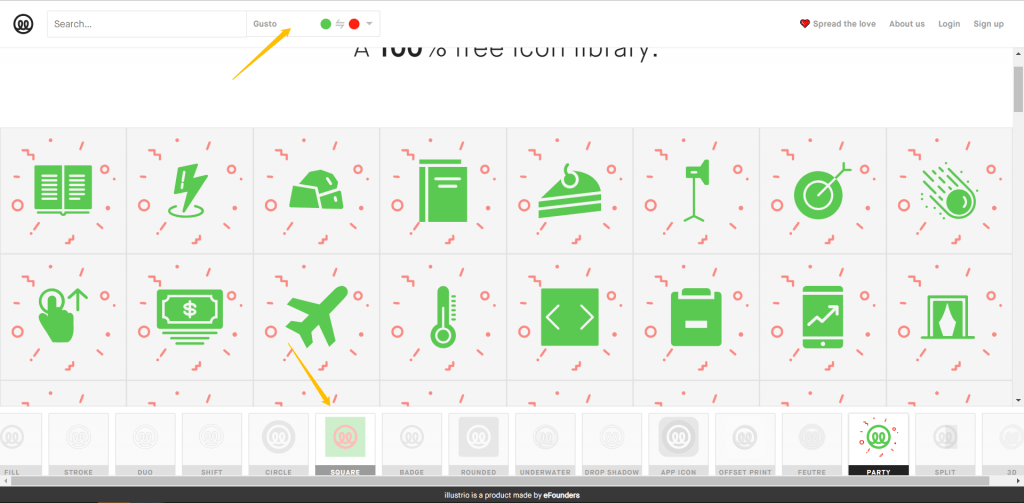
- Click the icon you want and download it. illustrio offers both PNG and SVG.
Avataaars
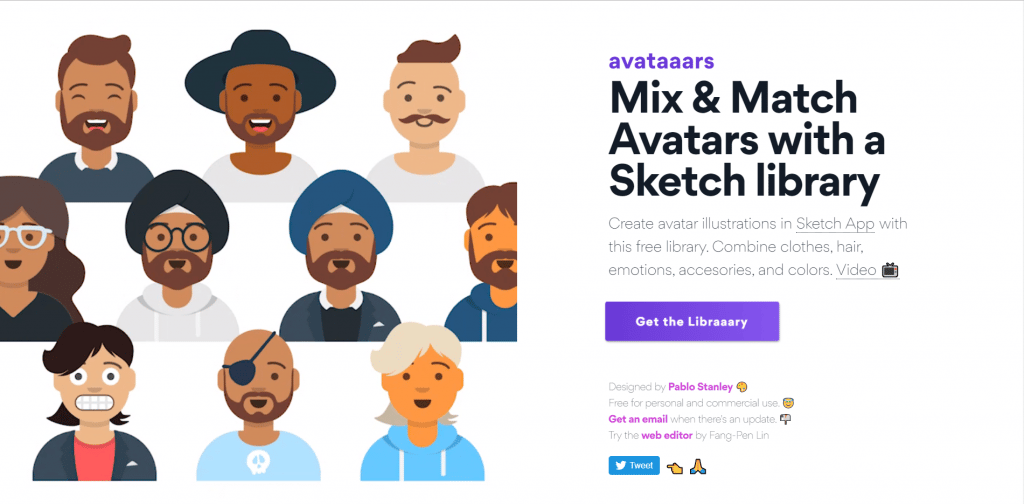
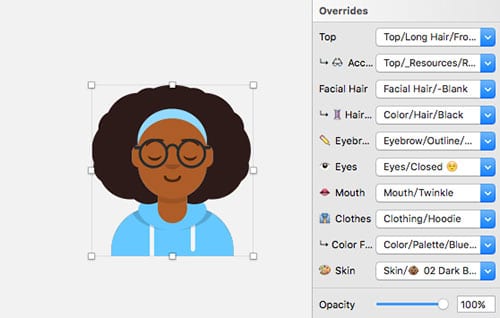
Sometimes a cartoon avatar is just the thing to make a design pop — and Avataaars delivers. Built by designer Pablo Stanley, this Sketch avatar library keeps every avatar in vector format. Its standout feature is that every element is separable and can be mixed and matched: avatar, beard, eyes, glasses, face and skin tone all combine freely. Because Avataaars is a Sketch plugin, you'll need to install Sketch before you can use it. Note: the original avataaars.com now shows an expired security certificate; a maintained, web-based version of the same avatar builder is available at getavataaars.com.
Website: https://avataaars.com/
How to use it
- Head to https://avataaars.com/ and download the Sketch plugin.
- Open Sketch and add the downloaded file to your library.

Christmas HQ
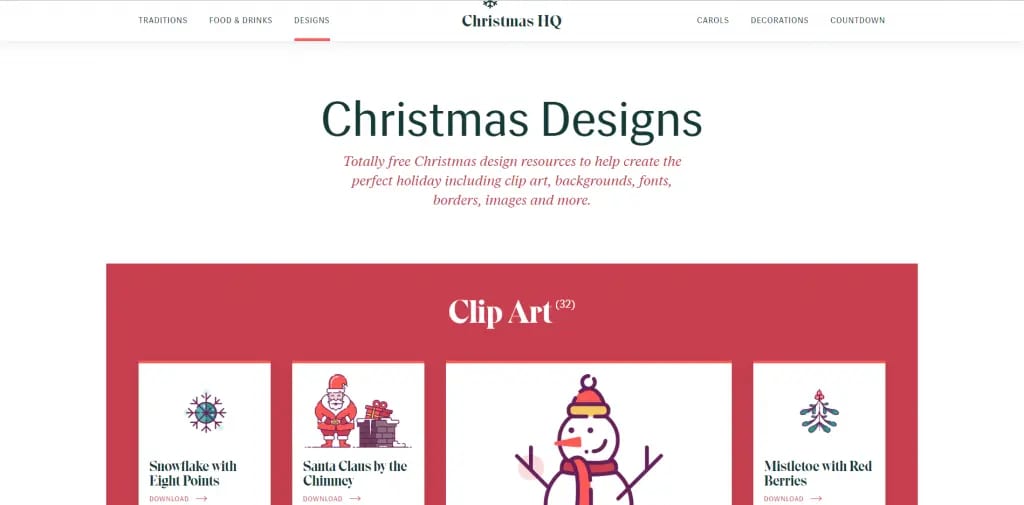
If hunting down Christmas assets last year felt like hard work, Christmas HQ makes the next holiday season far easier. The site is packed with festive elements and backgrounds — more than 200 different assets to download. Feels like the good news arrived a little late? Don't worry, you'll get plenty of use out of it come Christmas. Bookmark it now and pull it out in November to wow the boss.
Website: https://christmashq.com/designs/
How to use it
- Pick a suitable illustration on the site.
- Download it right there — both PNG and SVG are available.
One last reminder: before you send anything to print, convert your downloaded PNG or SVG files to CMYK first, then carry on designing. If you skip this, the printer may simply convert your RGB files to CMYK on the fly — and the printed result can come out with a noticeable colour shift.
When your artwork is print-ready, Printing Banana handles printing and delivery across Hong Kong and Macau. Message us on WhatsApp at +852 3001 5678 (English is fine) and we'll take it from there.