Photoshop is to a designer what the cleaver is to a butcher, the trimming knife to a paste-up artist, or the brush to a painter. Nearly everyone first meets design through Photoshop — but for a working graphic designer, is knowing only Photoshop really enough?
A painter keeps brushes of many different weights, and in the same way no graphic designer gets far on Photoshop alone. What makes a true Photoshop master isn't that the software magically conjures a beautiful illustration, a flawlessly retouched photo, or a creative poster on its own. Like a painter reaching for exactly the right brush, the expert uses the right tool to render the picture in their head — and that fluency mirrors years of accumulated knowledge and experience. Beyond Photoshop, a graphic designer's toolkit also includes Adobe Illustrator (AI), CorelDRAW (CDR) and InDesign (ID).
Step 1: Understand what graphic design is
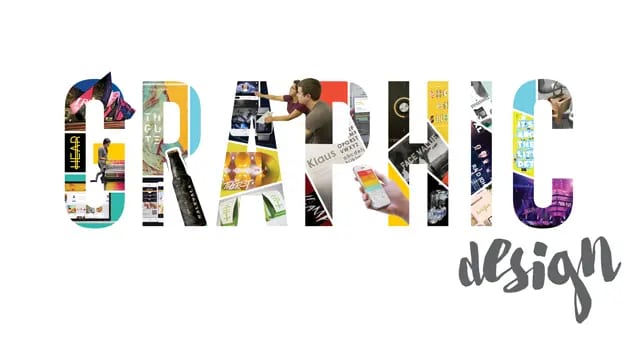
When you're learning graphic design from scratch, the first thing to grasp is why graphic design exists at all. The day you can explain to a friend what graphic design is for is the day you've genuinely started to understand it.
At the same time, keep steadily building the fundamentals the craft demands and following where the industry is heading, so you don't get confused or lose your way as you learn. At this stage you only need to know which books to read and which software to pick up — don't agonise over whether your early work is any good. Focus on what your design is meant to achieve and which techniques can make that happen. We'll share how to learn faster and more effectively further on.
Common graphic design software: Photoshop, Illustrator, InDesign and CorelDRAW.
The worst way for a beginner to start is with textbooks — they're packed with professional theory, and without any grounding a newcomer simply can't digest it. The best way in is to imitate: find a style you love and learn by copying it.
Step 2: Decide on a direction
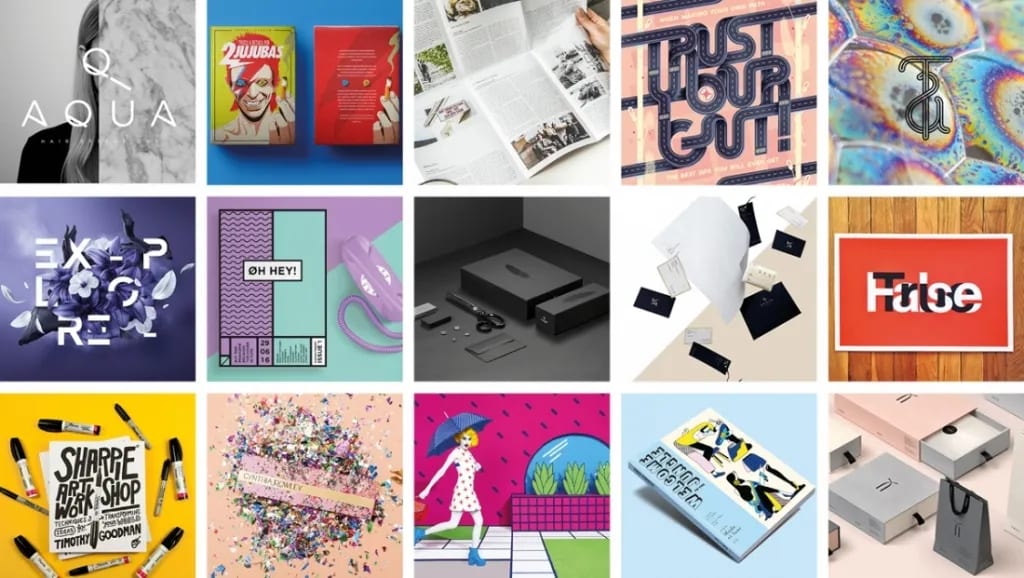
Graphic design splits into many sub-fields, and you can choose a direction based on the industry you're in and the role you play. It touches a lot of sectors — web, print, large-format inkjet and more — and each purpose makes different demands on the design and its content, though the fields often overlap. Printing Banana groups the work into a few simple categories:
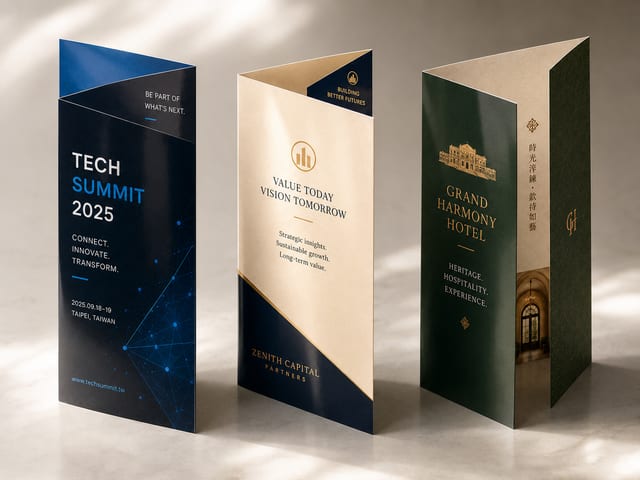
(1) Print design: this demands a solid grasp of printing, because print comes with real constraints on colour use, finishing techniques and the like. Think business cards, VIP cards, flyers, posters, books and so on.
(2) Outdoor large-format design: here you need to understand the quirks of the medium — mesh banners that can only be read from one side, for example. Think shop signage, light boxes, hanging flags, posters and stage backdrops.
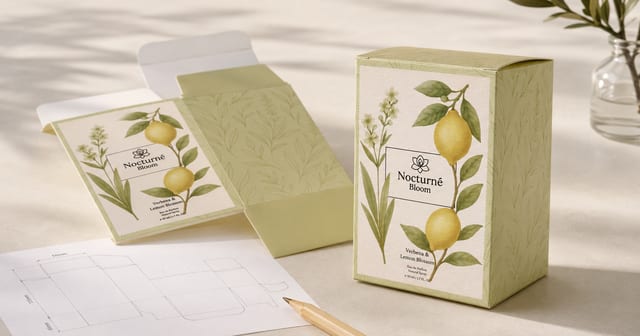
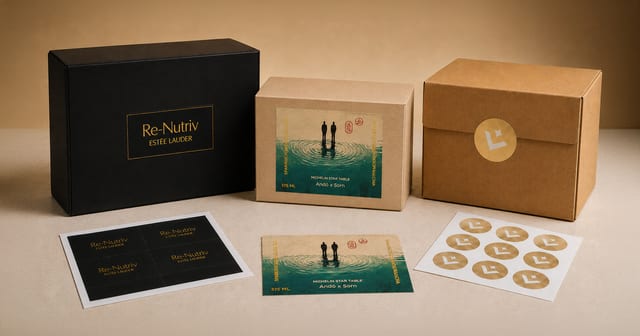
(3) Packaging design: on top of the above, you'll also need the specialist knowledge behind packaging — the materials used, box shapes, dimensions, die-cuts and so on.
(4) Brand identity design: this calls for fluency with vector software like Illustrator, so the identity holds up in any context — corporate VI, logo design, typeface design, brand guidelines and the like.
(5) Web design: beyond the basic design software, this one also needs some coding knowledge — web design, UI design, Taobao storefront layouts, H5 pages and so on.
Once you have a rough sense of these different fields, ask yourself which category you find most interesting, or are naturally best at — and you can set off on your graphic design journey right away.
Step 3: Plan what to learn

Whatever field you settle on, the fundamentals every aspiring graphic designer needs to learn come down to these:
(1) [Foundations] The three pillars of design composition — colour composition, two-dimensional composition and three-dimensional composition — plus the basics of drawing: perspective, and the interplay of light and shadow. Study colour pairing and colour psychology alongside them.
(2) [Essential for advertising] Copywriting — using the right words to strengthen the message an advertising design is meant to carry. Call it the designer's third blade: a good instinct for copy makes the design work far easier, and once the purpose is clear the result becomes far more moving.
(3) [Essential] Layout and its principles (heavily used in brochures, advertising and web design) — master how a layout comes together, grid design theory, and the basic types of page element.
(4) [Software] The four kings of graphic design — Photoshop (PS, raster/bitmap), Illustrator (AI, vector), InDesign (ID, layout) and CorelDRAW (CDR, vector). At the bare minimum, a graphic designer should know how to use Photoshop and Illustrator.
Once you have this overall picture of graphic design, you can start mapping out your own direction and your milestones. Starting is easy; sticking with it is the hard part — graphic design is a road of constant learning. At Printing Banana, we hope that one day we'll get to print the outstanding work you create.
When your designs are ready to leave the screen, Printing Banana prints business cards, flyers and posters with delivery across Hong Kong and Macau. WhatsApp us at +852 3001 5678 — English is fine.